 MouseUtil
MouseUtil
MouseUtil
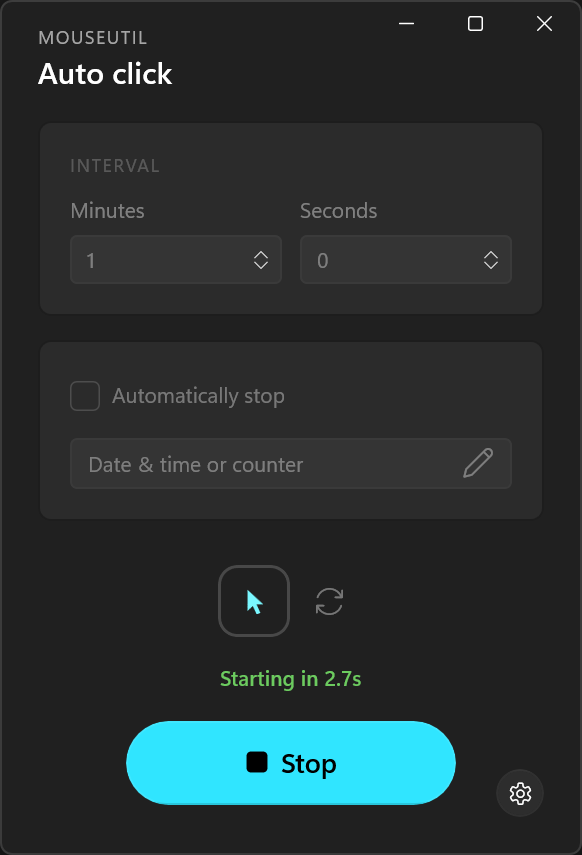
MouseUtil automates clicks and cursor movement on a configurable timer, helping keep your PC active while you're away or busy.
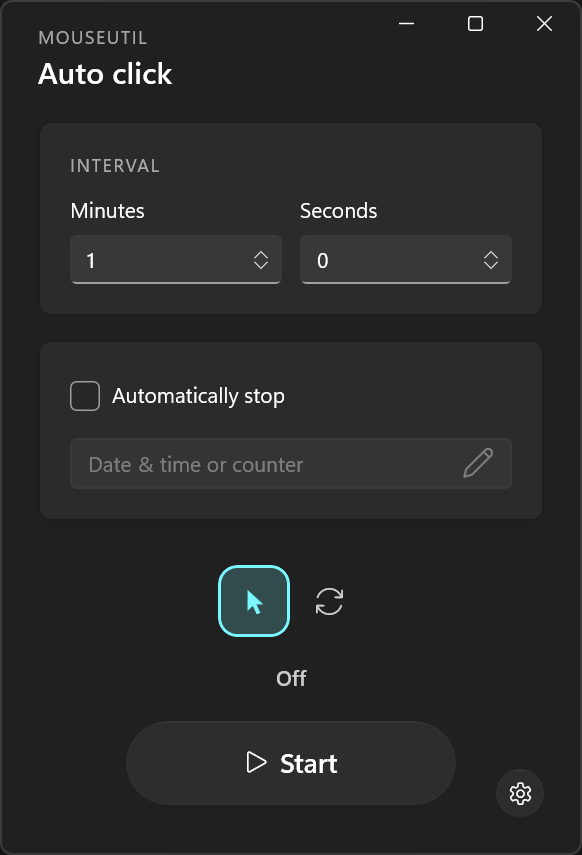
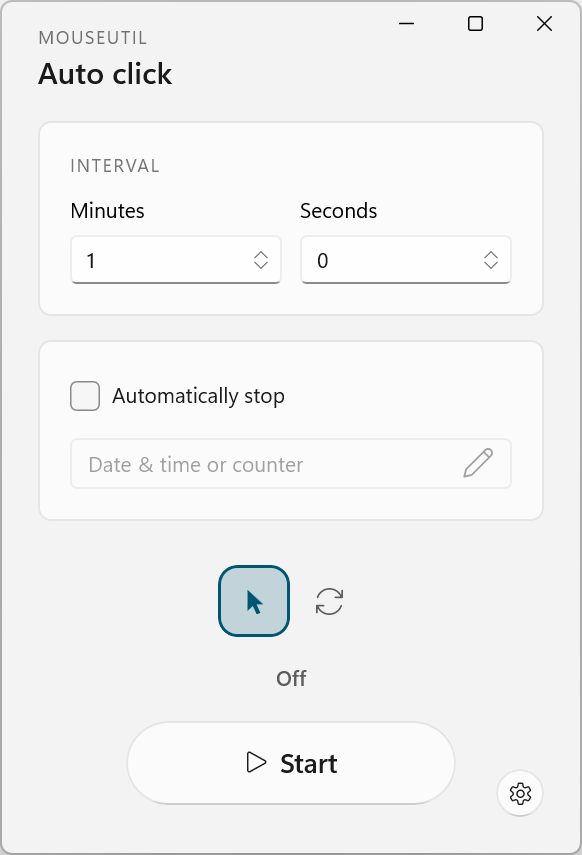
Sends a real left-click at wherever the cursor currently is without moving it. Great for repetitive clicking tasks, keeping certain applications active, or automating simple interactions.
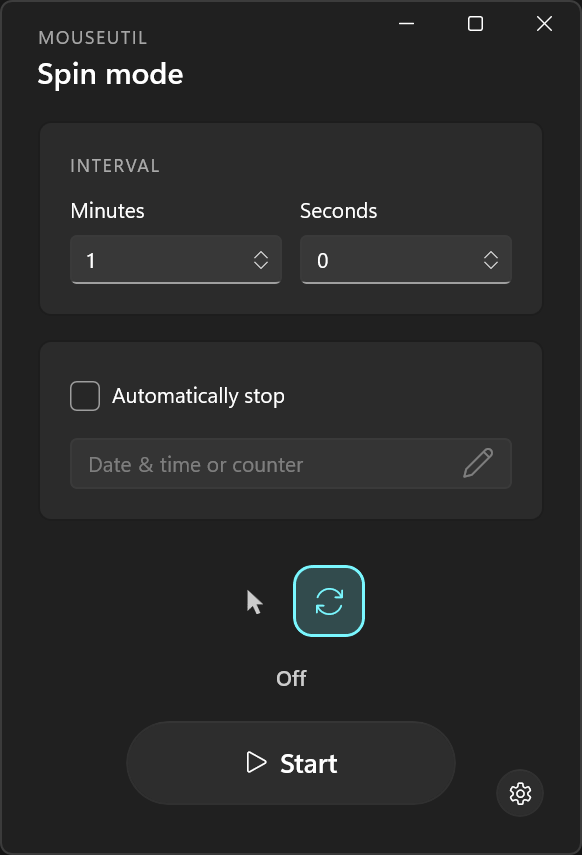
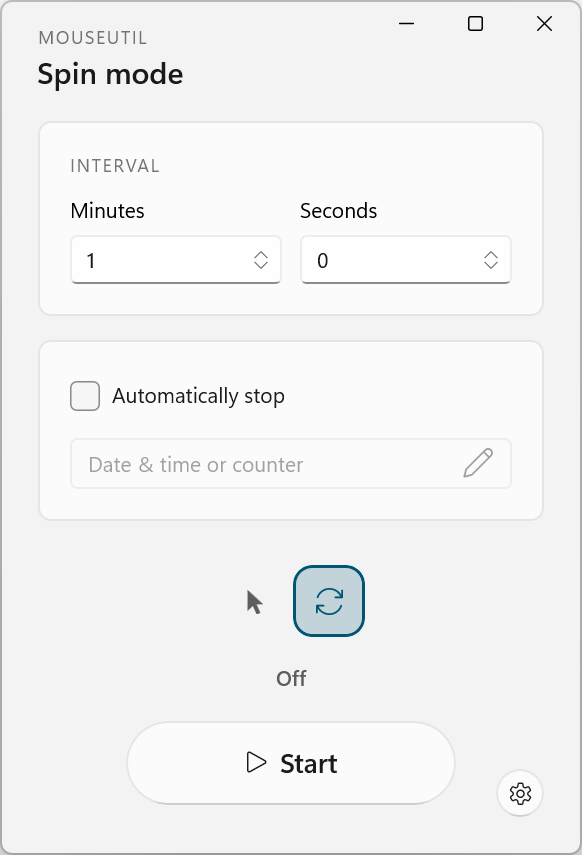
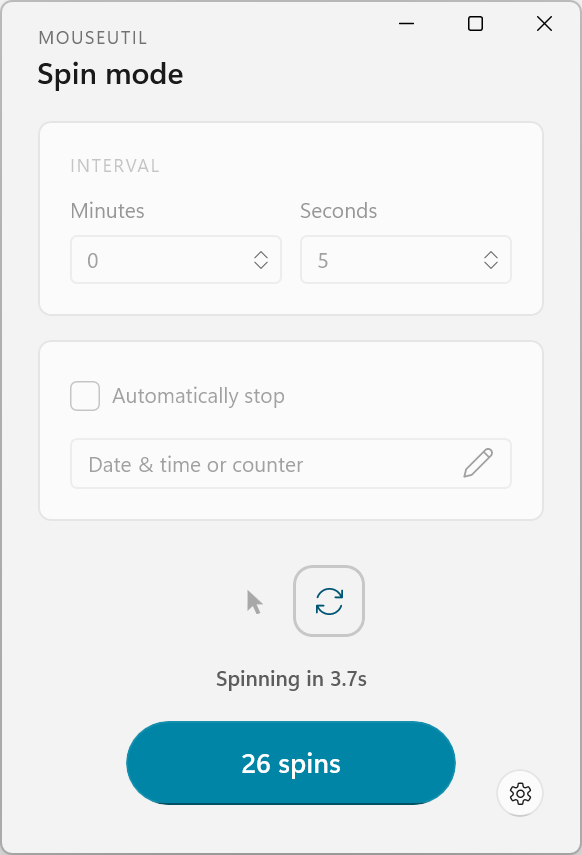
Sweeps the cursor around a tiny circle and returns it to the exact starting pixel, without clicking. Useful for keeping a machine from going idle.
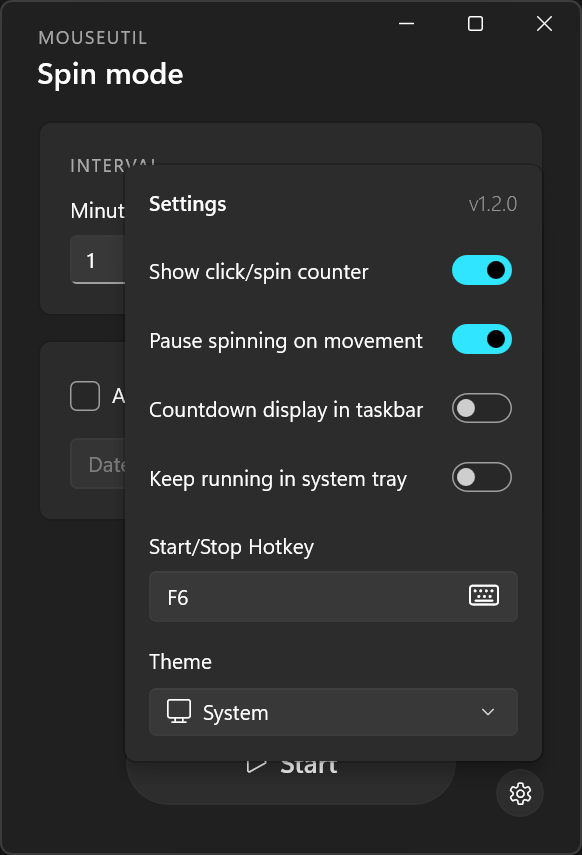
Customize your experience. Everything is adjustable.
Set the delay between actions, randomize it for a natural feel, and choose a simple or detailed countdown display.
F6 by default. Start or stop from anywhere with one keypress or key combination.
A running countdown, an action counter, a taskbar progress bar, and live status right from the tray icon.
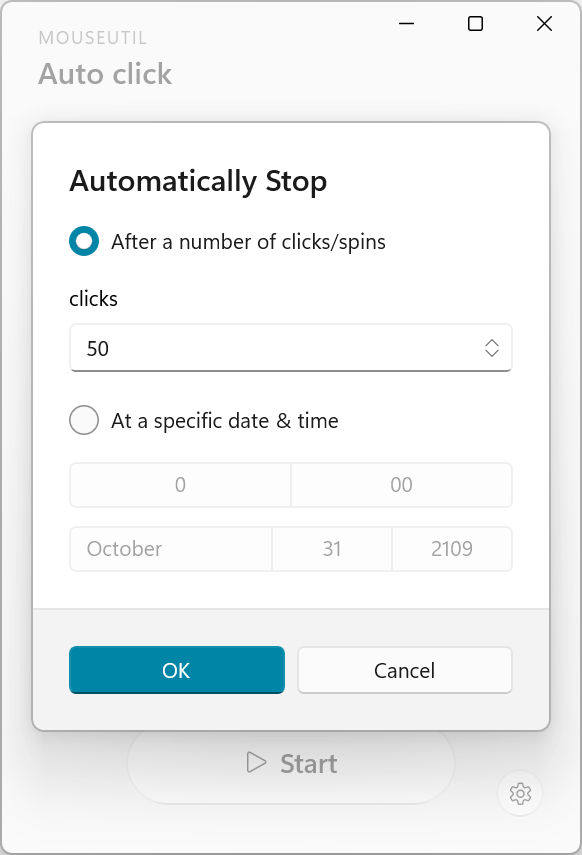
End the run after a set number of actions, or at a specific date and time.
Touching the mouse pauses the countdown instead of fighting you for control. Can be turned on independently for Auto click and/or Jiggle.
Launches with Windows, starts in your preferred mode automatically, and keeps going in the background when you close the window.
Get MouseUtil for Windows · v2.2.1Get MouseUtil for Windows