MouseUtil
Windows 10/11 · Free & open source
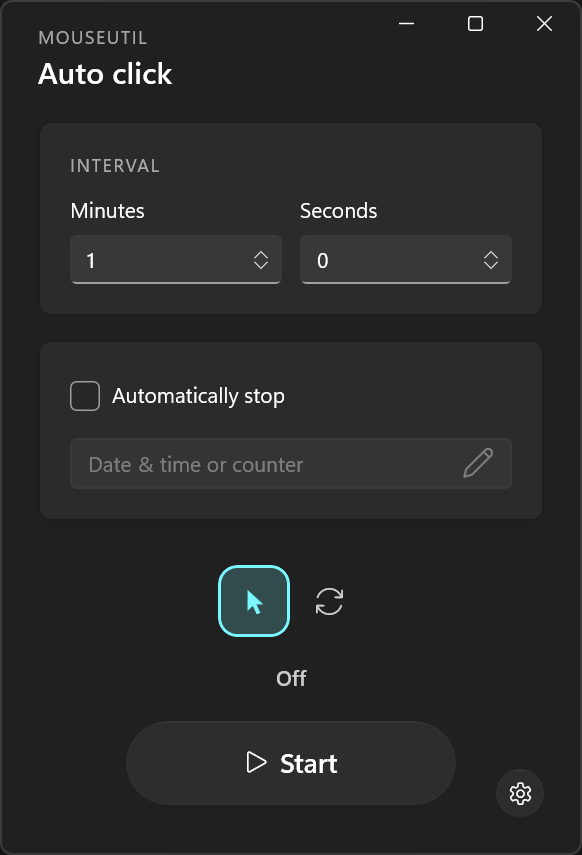
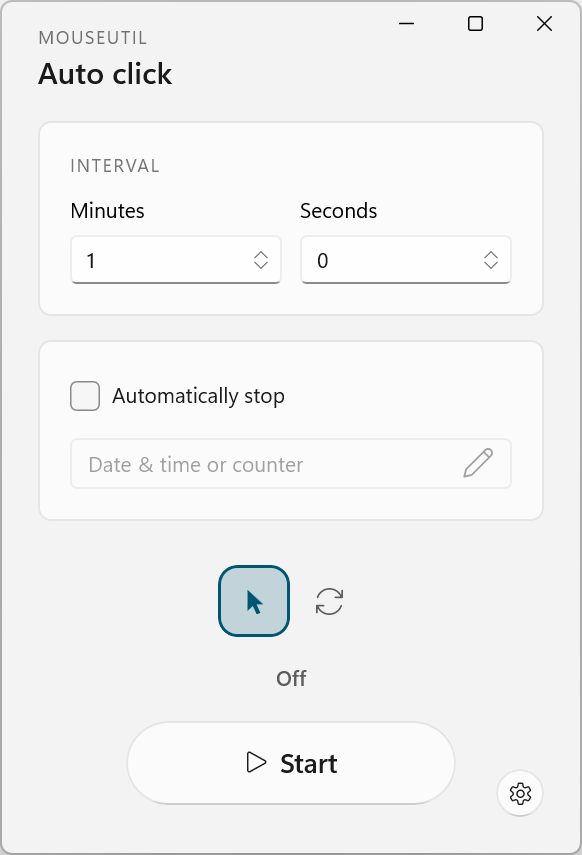
Automatically clicks where the mouse pointer currently is on the screen.
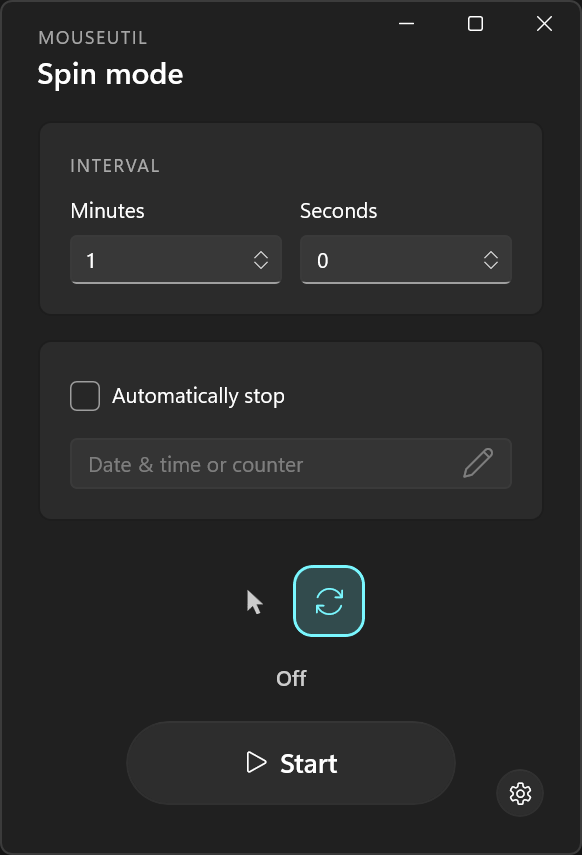
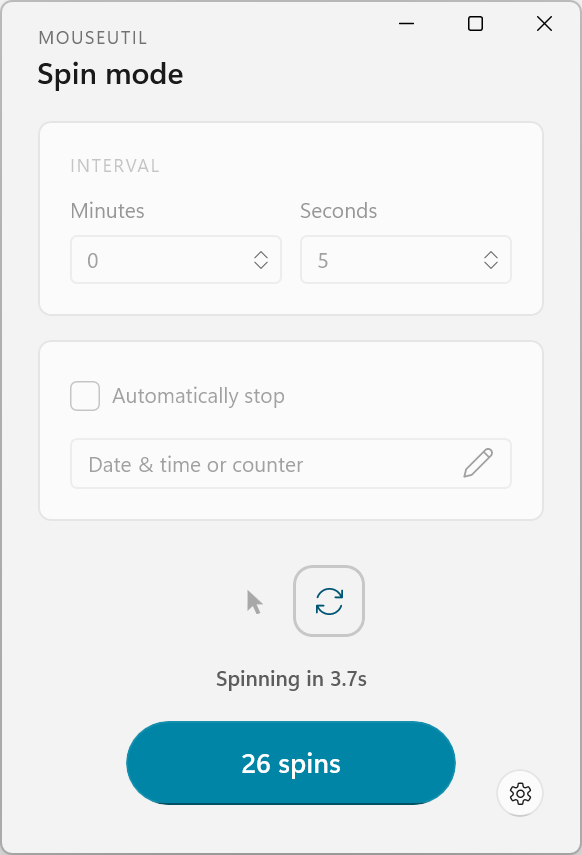
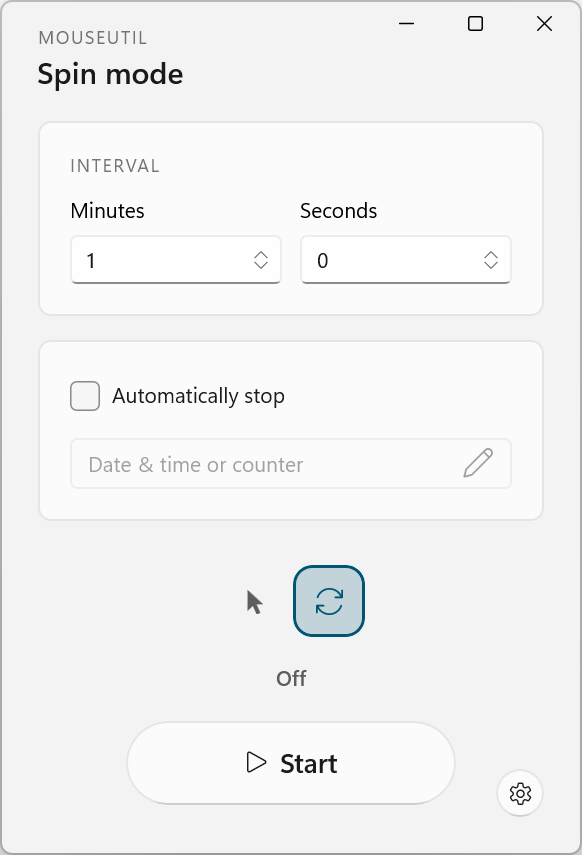
Moves the cursor in a tiny circle and lands back on the exact starting pixel.
Set the timer between each click or jiggle.
Enable for a more "authentic" presence. Your custom interval becomes the cap.
Switch between a Minutes/Seconds display or full Hours/Minutes/Seconds/Milliseconds.
Start automation in your preferred mode right as the app launches.
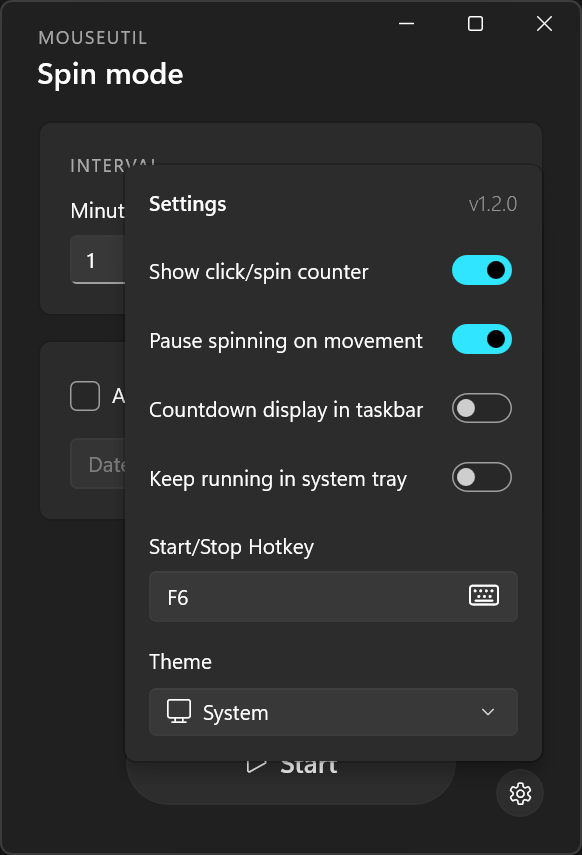
Touch the mouse yourself and the utility pauses for you.
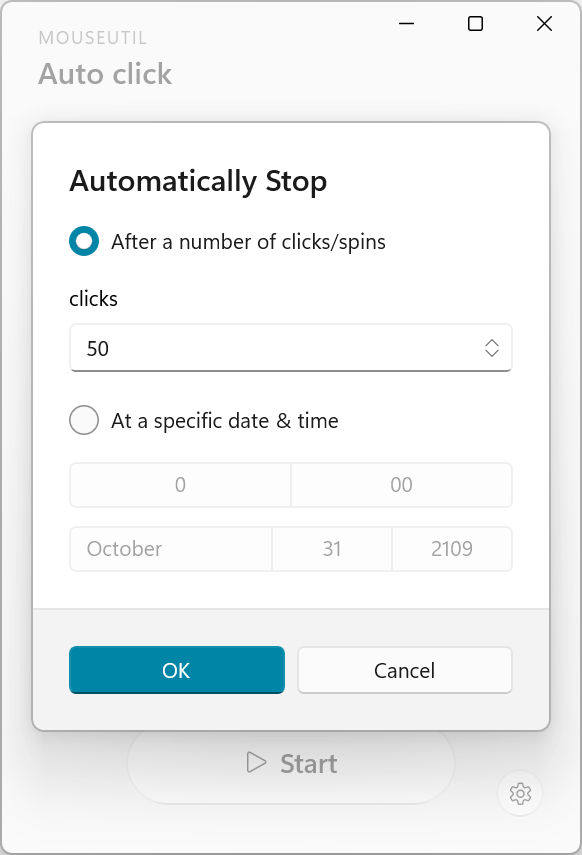
Set a click/jiggle repeat limit or a stop date and time.
Start or stop from anywhere with one keypress or key combination. F6 by default.
Can run in system tray with icon states, live tooltip, and a menu to start or stop the utility.
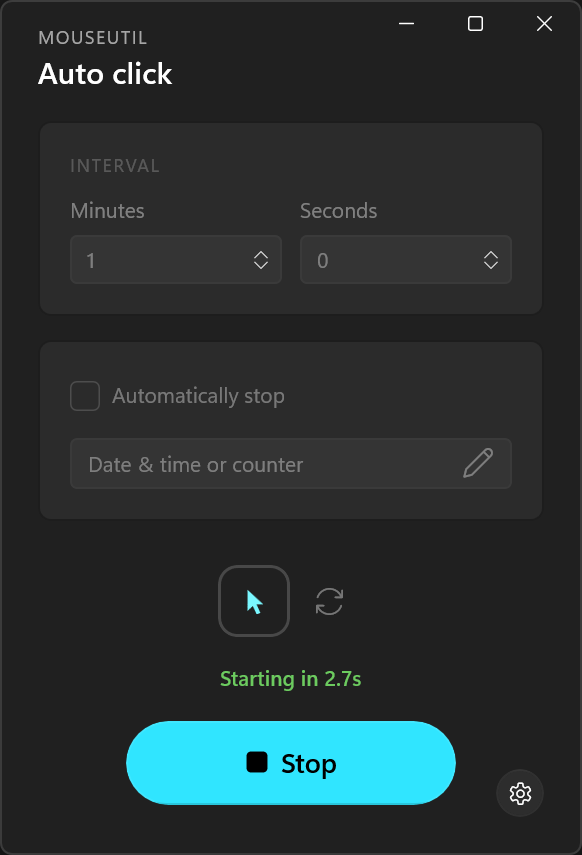
A live countdown to the next click or jiggle, along with a total counter.
A progress bar on the taskbar icon that gradually depletes until the next click/jiggle.
Launch MouseUtil automatically when Windows starts.
Build with WinUI with support for light, dark, or automatic theming.
Your interval, hotkey, and all other settings are remembered the next time you open the app.